Transforming Business Decks with the 60-in-1 PowerPoint Bundle
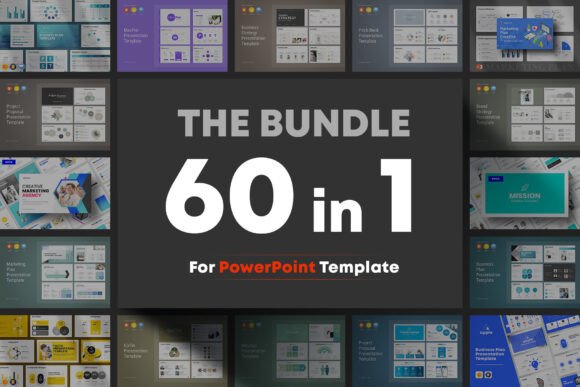
We have all been there: sitting in front of a blank slide, cursor blinking, trying to piece together a presentation that looks professional without spending the next 48 hours tweaking pixel alignments. For entrepreneurs, marketers, and creatives, time is the one resource we cannot manufacture. This is why I was intrigued by the Business 60-in-1 Big Bundle PowerPoint. It is not just a collection of slides; it is a comprehensive design asset that promises to streamline the visual side of your business communication.
At its core, this bundle offers a massive library of 60 high-quality templates. However, the real value lies in the consistency. Unlike downloading random templates from different sources, which often results in a chaotic mix of font pairing styles and color palettes, this bundle utilizes a common style and typography system. This means you can mix and match slides from different decks within the bundle to create a custom presentation that feels cohesive and brand identity focused.
The Anatomy of a Versatile Presentation System
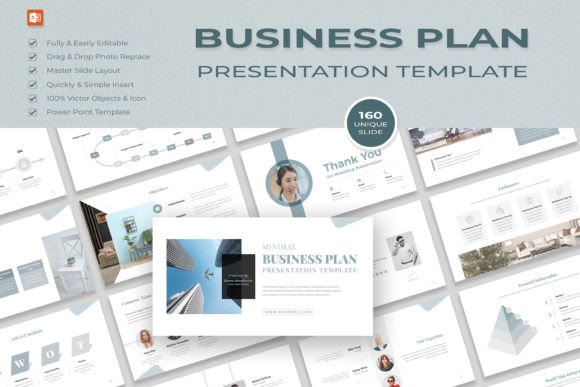
When we talk about modern typography in business decks, we are looking for clarity and hierarchy. The Business 60-in-1 Big Bundle PowerPoint leans heavily into this philosophy. The visual personality of these templates is clean, structured, and corporate-friendly, yet modern enough to avoid looking like a dusty government report from 2005. It strikes a balance between being professional enough for a boardroom pitch and dynamic enough for a creative agency's portfolio.
The visual characteristics rely on a strong grid system. You will notice ample white space, which is crucial for readability. The designers have used sans serif font choices that are legible even on smaller screens, which is vital in our current era of hybrid work where presentations are often viewed on laptops rather than projected screens. The layouts are designed to handle data visualization—charts, graphs, and timelines—without looking cluttered. This is where the premium font usage shines; the typography scales well, ensuring that headers grab attention while body text remains comfortable to read.
Real-World Applications for Designers and Entrepreneurs
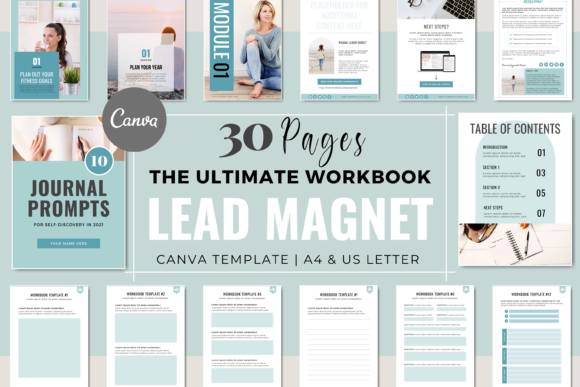
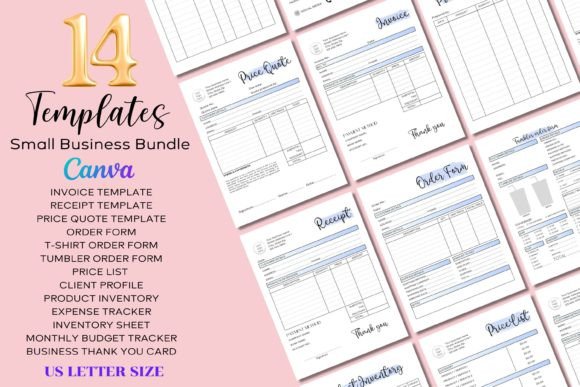
The practical application of this bundle extends far beyond the traditional quarterly business review. If you are a small business owner, think of this as your Swiss Army knife for visual communication. Need a quick pitch deck for a potential investor? Done. How about a media kit for a sponsor? You can build one in an hour using the pre-made layouts. For content creators and bloggers, these templates are a goldmine for creating lead magnets. You can repurpose a presentation on "Social Media Trends" into a downloadable PDF guide for your email subscribers, leveraging the editorial design strengths of the templates.
For those in web design or brand strategy, the bundle serves as an excellent wireframing tool. Before you dive into code or high-fidelity mockups, you can use these slides to map out user journeys or present branding concepts to clients. The graphic resizable and editable nature of the assets means you aren't locked into rigid boxes. You can adapt the layouts to fit specific packaging design concepts or logo design presentations, ensuring that your visual narrative flows logically.
Ensuring Visual Hierarchy and Brand Consistency
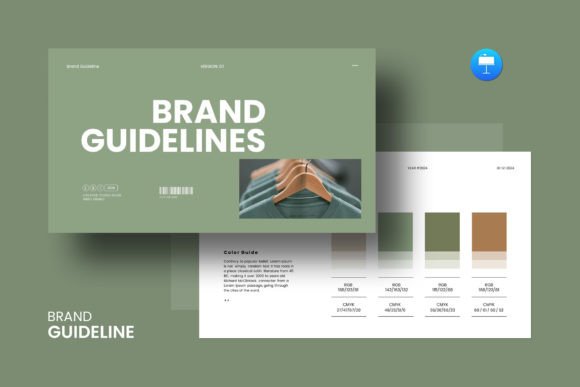
One of the most underrated aspects of a good presentation is how it influences brand perception. Inconsistent slides scream "amateur," while a cohesive deck signals reliability. The Business 60-in-1 Big Bundle PowerPoint includes a theme color option, which is a game-changer for maintaining brand identity. Instead of manually recoloring every shape and text box, you can input your client's hex codes or your own brand palette once, and the entire deck updates. This ensures that whether you are presenting a financial report or a creative mood board, the visual language remains consistent.
Furthermore, the inclusion of a 4000+ icons pack adds another layer of professionalism. Instead of hunting for stock images that might clash with your typeface choices, you can use vector icons that match the line weight and style of the presentation. This reinforces the visual hierarchy, guiding the viewer's eye exactly where you want it to go.
Practical Guidance for Integration
If you are considering adding this to your toolkit, here is some practical advice. First, take advantage of the free font used. The bundle provides links to the fonts in the help file. Download and install them immediately. Using the intended sans serif font (or serif font variations if included in specific themes) ensures the spacing and kerning remain exactly as the designer intended.
Second, treat the 60 templates as building blocks, not finished products. The drag-and-drop functionality is excellent, but your goal should be to create a unique narrative. Mix the data-heavy slides from the "Finance" template with the image-centric layouts of the "Creative Agency" template. This hybrid approach allows you to craft a social media graphics strategy presentation that is both data-driven and visually engaging.
Finally, compatibility is key. The bundle is provided in PPTX, Keynote, and Google Slides formats. If you collaborate with a team, decide on a single format to avoid formatting errors. The fact that it works on both Apple and Windows is a massive relief for mixed-device teams, ensuring your design assets remain intact regardless of the operating system.
In summary, the Business 60-in-1 Big Bundle PowerPoint is more than just a time-saver. It is a foundational tool for anyone who needs to communicate complex ideas clearly and professionally. By utilizing its cohesive modern typography and flexible layouts, you can elevate your brand perception and ensure your message is not just heard, but visually remembered.